Key Features
EF-S Mount Lens/APS-C Format
88-400mm (35mm Equivalent)
Aperture Range: f/4 to f/32
One Ultra-Low Dispersion Element
Super Spectra Coating
STM Stepping AF Motor
Optical Image Stabilizer
Rounded 7-Blade Diaphragm
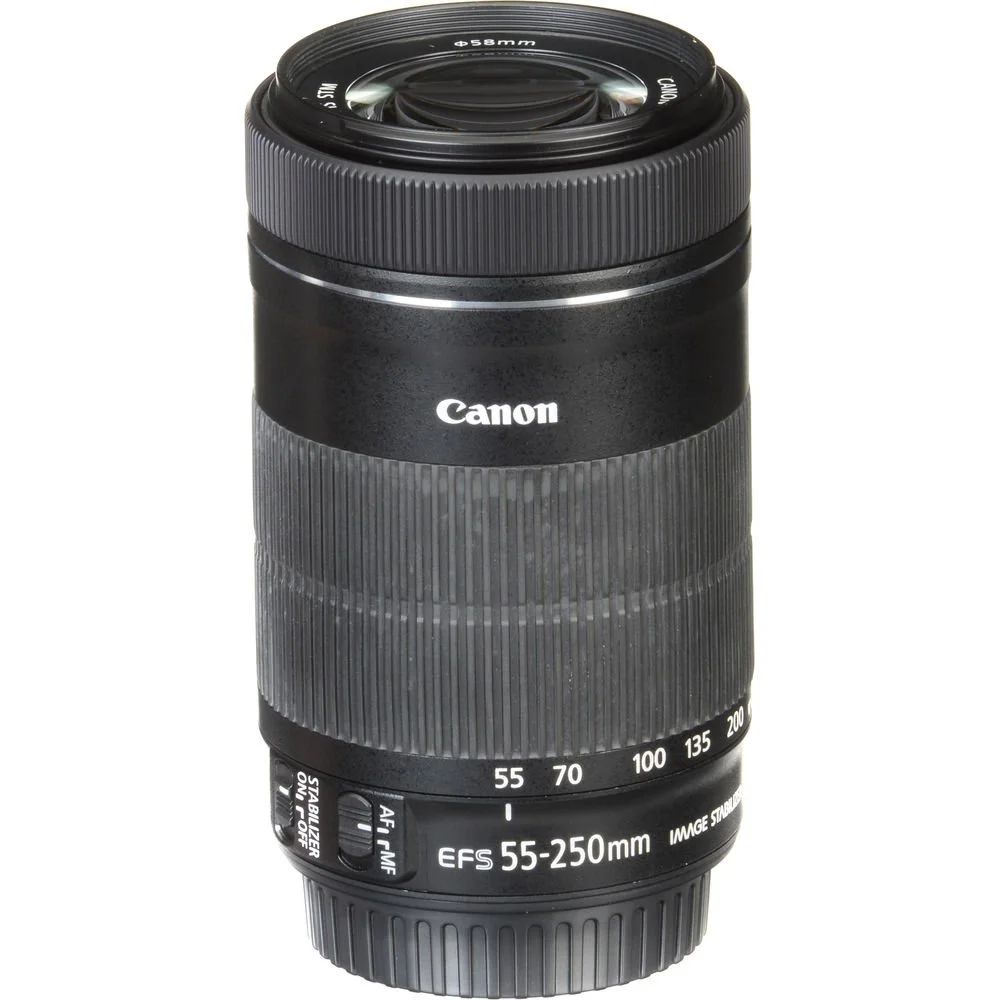
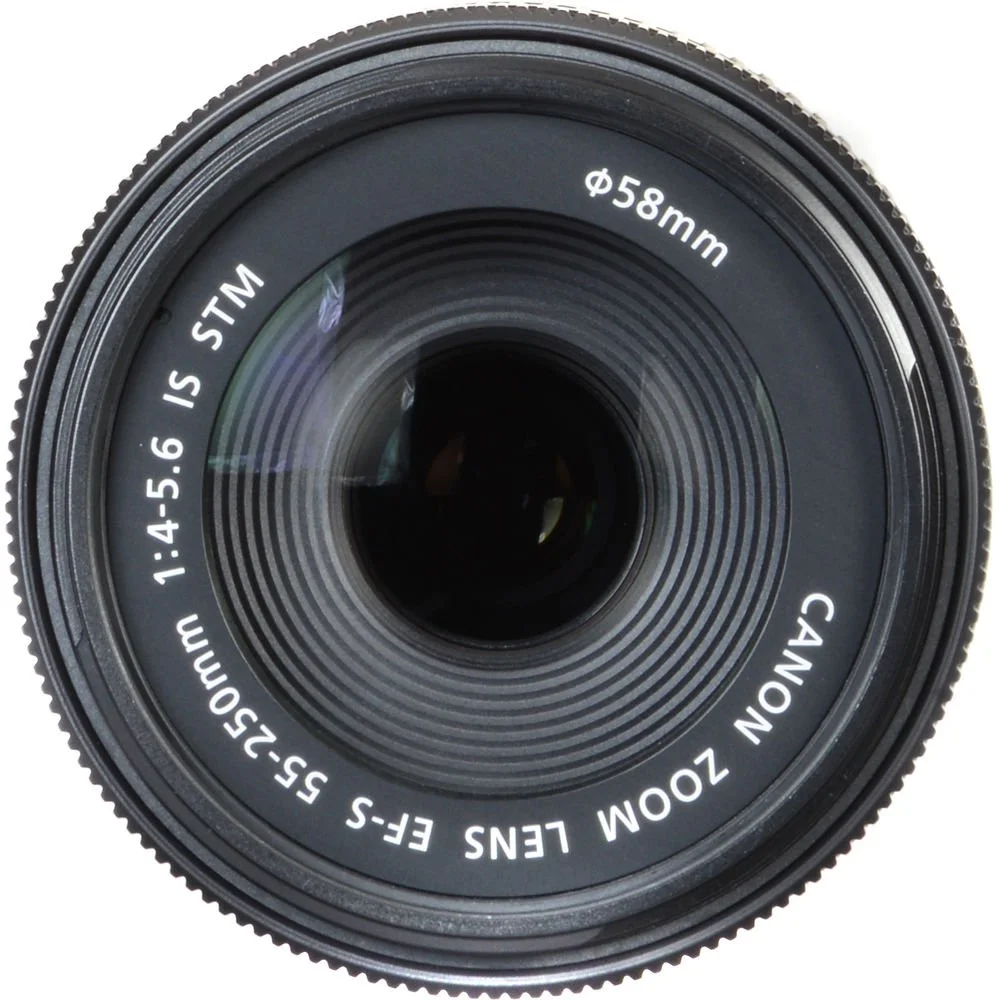
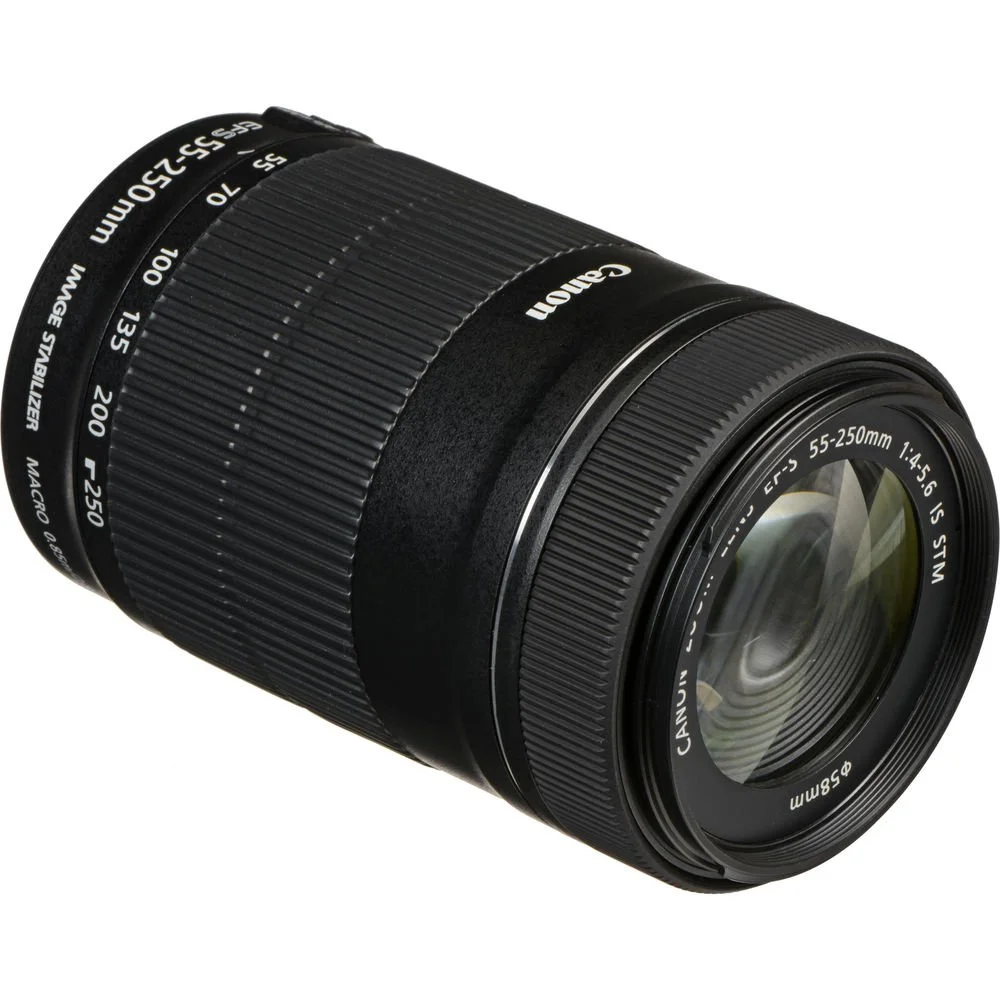
Suitable for distant subject matter, the EF-S 55-250mm f/4-5.6 IS STM is an 88-400mm-equivalent zoom for Canon APS-C DSLRs. This lens's long reach is enhanced by the inclusion of an Ultra-Low Dispersion element, which helps to greatly reduce color fringing and chromatic aberrations for greater clarity and color accuracy throughout the zoom range. A Super Spectra coating is also featured, and minimizes flare and ghosting in order to produce greater contrast when working in bright lighting conditions. Benefitting both photo and video applications, an STM stepping AF motor is used to realize quick and near-silent autofocus performance along with full-time manual focus override. Additionally, a four-stop-effective Image Stabilizer system is also featured and minimizes the appearance of camera shake for sharper handheld shooting.
Telephoto zoom is designed for APS-C-format Canon EF-S-mount DSLRs and provides an 88-400mm equivalent focal length range.
One Ultra-Low Dispersion glass element noticeably reduces color fringing and chromatic aberrations for high clarity and color fidelity.
Super Spectra coating has been applied to individual elements to minimize ghosting and flare for greater contrast and color neutrality when working in strong lighting conditions.
An Optical Image Stabilizer helps to minimize the appearance of camera shake by up to 3.5 stops to better enable working in low-light conditions and with slower shutter speeds.
Enhanced lens coatings minimize flare and ghosting in order to produce true colors with maintained contrast.
An STM stepping AF motor realizes smooth, near-silent autofocus that is complemented by a rear focus system, advanced AF algorithms, and a high-speed CPU for fast AF performance. Additionally, full-time manual focus override is also available.
Rounded seven-blade diaphragm contributes to a pleasing out of focus quality that benefits the use of shallow depth of field and selective focus techniques.
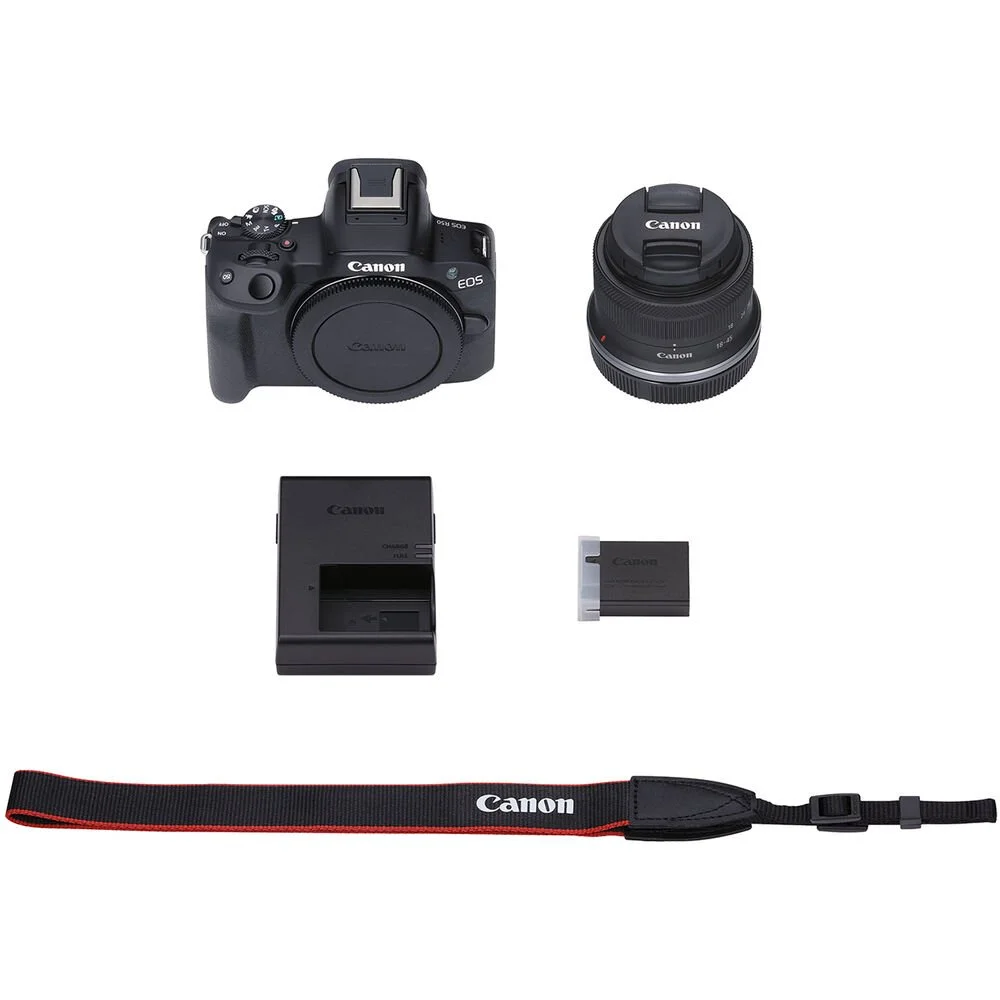
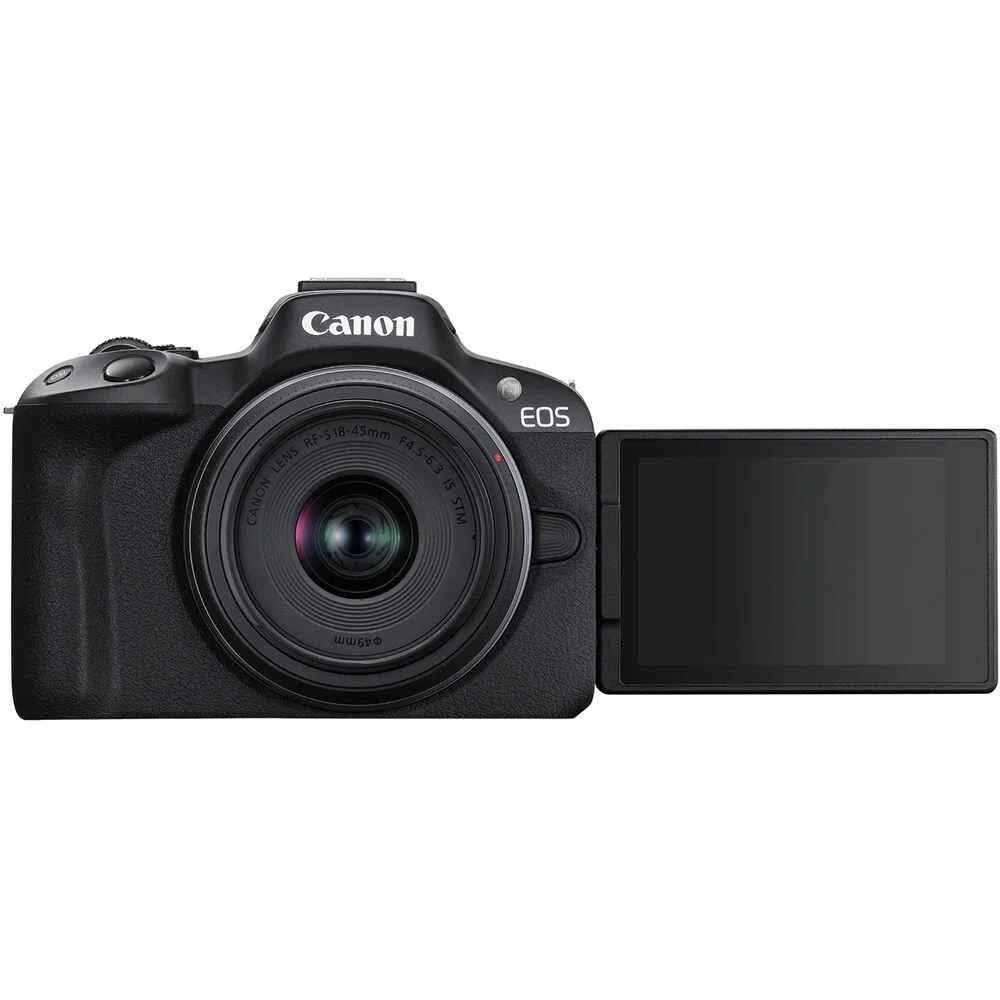
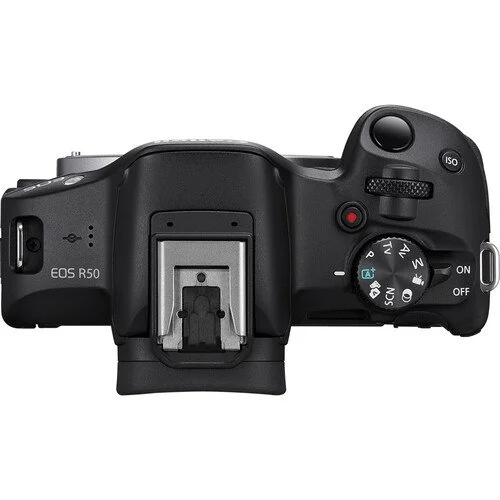
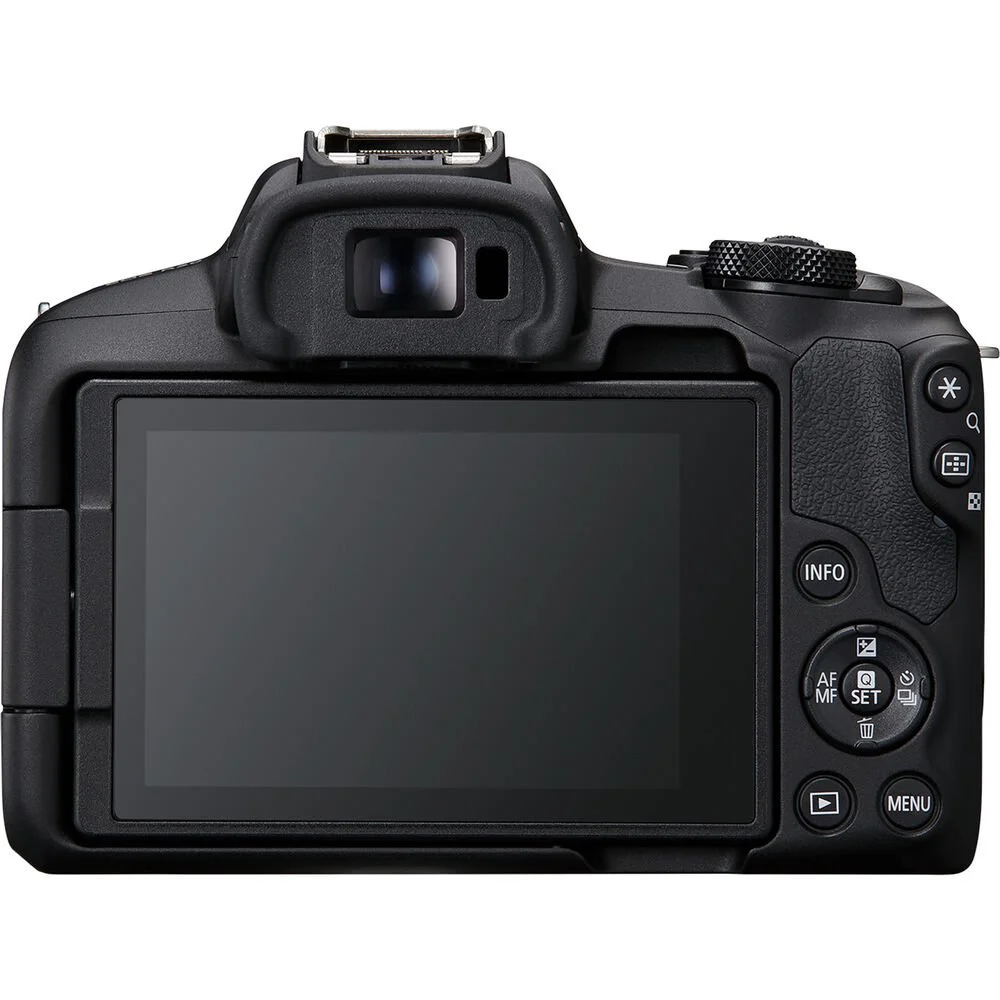
High Image Quality: Canon EOS R50 4K digital camera features a 24.2 Megapixel CMOS (APS-C) sensor and DIGIC X processor for stunning image clarity and level of detail
High-Speed Continuous Shooting: Capture fast action with up to 12 fps with Electronic First Curtain shutter and up tp 15 fps with Electronic Shutter for a superior vlogging camera
Advanced Auto Focus: Dual Pixel CMOS AF II covers up to 100% x 100% area with 651 AF zones; features auto subject detection and tracking of people, animals, and vehicles using deep learning technology — perfect 4K camera for video recording
Exceptional Low-Light Performance: Advanced A+ Assist offers an expanded array of auto-compatible scenes for greater expressive capability in auto mode and enables great imagery even in difficult settings such as night and backlit scenarios.
Fluid Video Capture: Video recording features such as 6K oversampled uncropped 4K movie at up to 30 fps, Full-HD High-frame rate movie recording at up to 120 fps: Movie for Close-up Demo Mode quickly and automatically switches focus to the subject closest to the camera
Superior Viewing Experience: 2.36-million-dot EVF with Clear View LCD II vari-angle touchscreen on this digital camera for easy composition and shooting from virtually any angle
Built-In Bluetooth and Wi-Fi Capability: Enable wireless functions, such as file viewing and transfer, by connecting the video camera to Wi-Fi; use the free Canon Camera Connect app to connect your camera to compatible smart devices via Bluetooth pairing
UVC Livestreaming
UVC/UAC compatibility allows the EOS R50 camera to be used as a web camera to stream live video in Full HD 30 fps fixed, without additional computer software, to applications such as Zoom, Microsoft Teams, Skype, and similar on-line web conferencing software(4).
Wired and Wireless Communications
The EOS R50 camera supports both wired and wireless connections to your smartphone via its USB Type-C(4) port, built-in Wi-Fi, and Bluetooth technology, making it easy to upload and share movies and photos to your favorite social networks.
Built-in Bluetooth Capability
Bluetooth pairing helps you connect the camera to compatible smart devices using the free Canon Camera Connect app. This low-energy wireless connection helps preserve battery life, while providing remote control of the camera. It also sends continuously updated GPS location data from your phone, letting you geotag what you've captured so you know precisely where you captured the photo.
Built-in Wi-Fi Capability
Enable wireless functions, such as remote live view, file viewing and transfer, by connecting to Wi-Fi quickly and seamlessly. Using the Canon Camera Connect app, you can also transfer files to your mobile device to browse and share on social media.
USB-C Connection
The EOS R50 camera can be connected to a computer or smartphone via USB-C(4). All Canon Camera Connect app features that can be used with Wi-Fi are now available when the camera and smartphone are connected via USB, using a compatible cable for your device.
(1) Effectiveness varies depending on the subject. In some cases, dogs, cats or birds may not be detected, while some animals other than dogs, cats or birds may be detected.
(2) Some vehicles may not be detected depending on condition in some cases. In addition, the camera may detect entity as vehicle other than cars, motorcycles, trains, and airplanes for tracking.
(3) Up to 15 minutes at 119.88/100.00 fps. Video may stop due to battery level, card capacity, or temperature.
(4) A compatible cable is required for wired USB communication (not included).
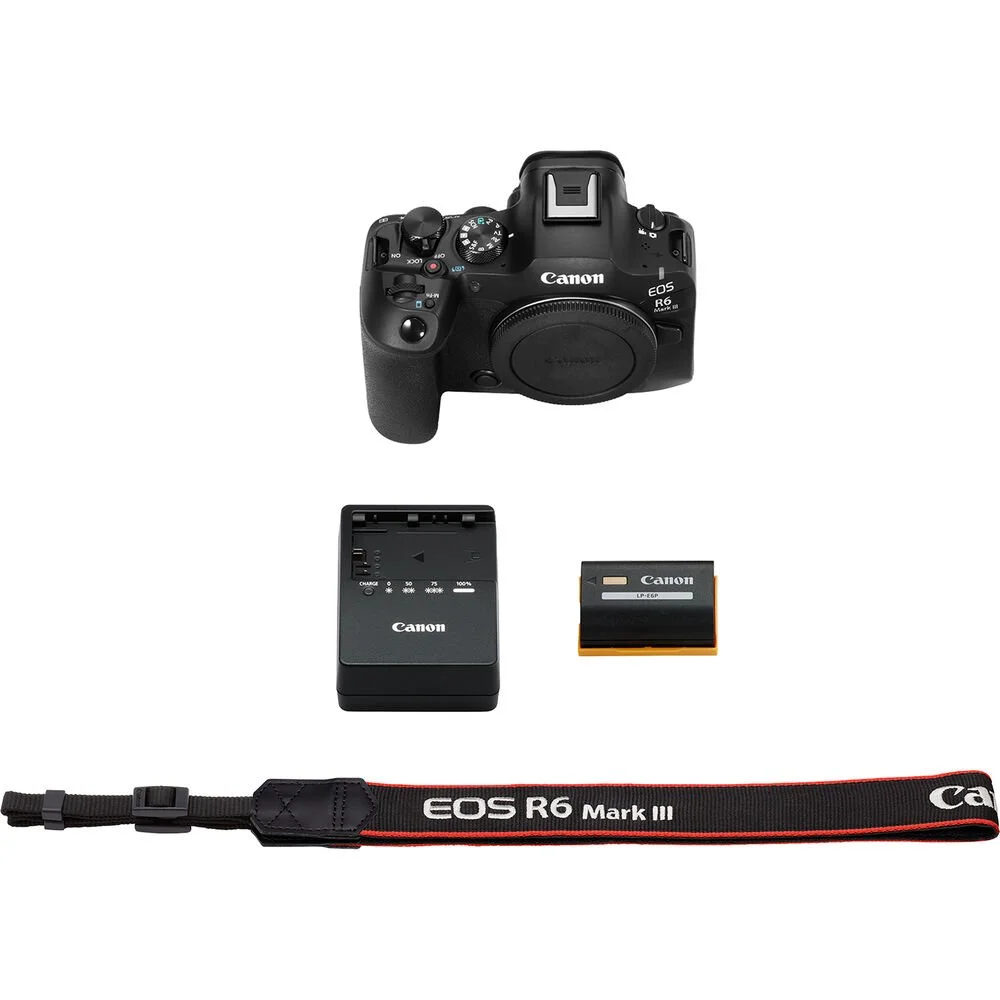
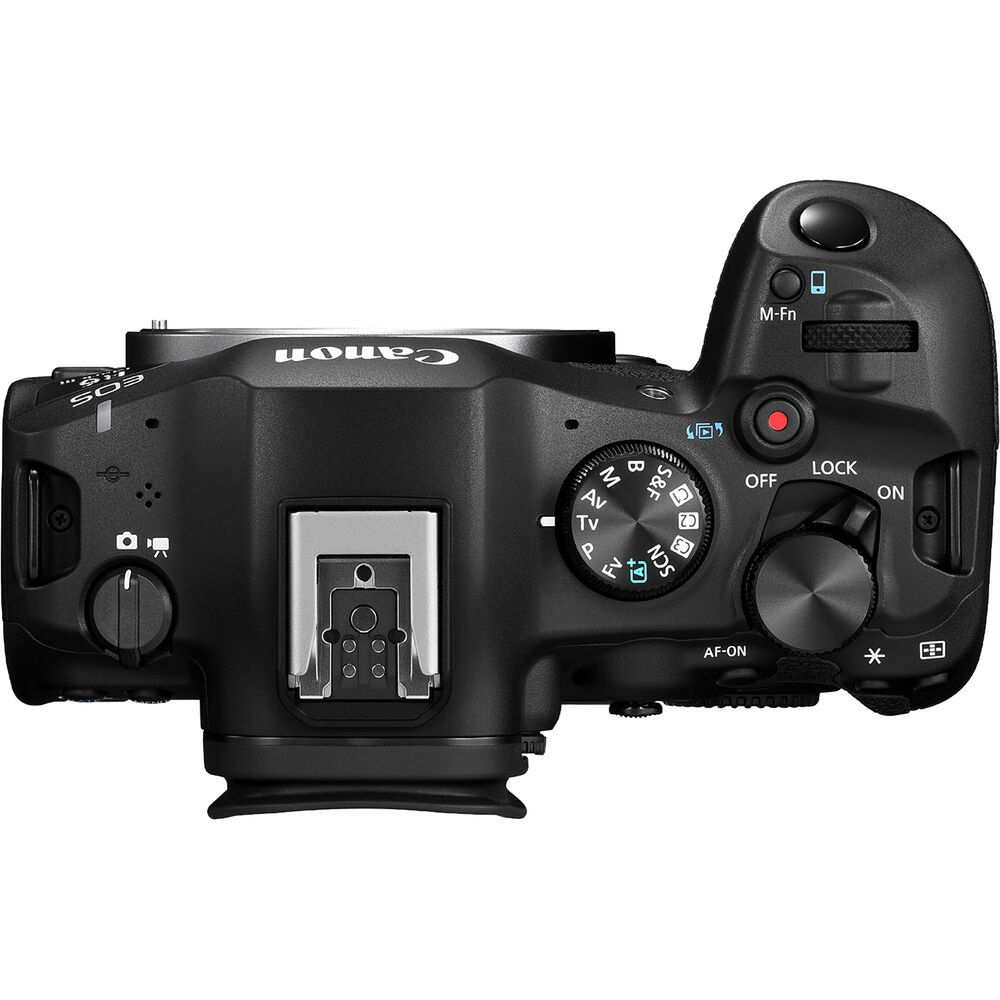
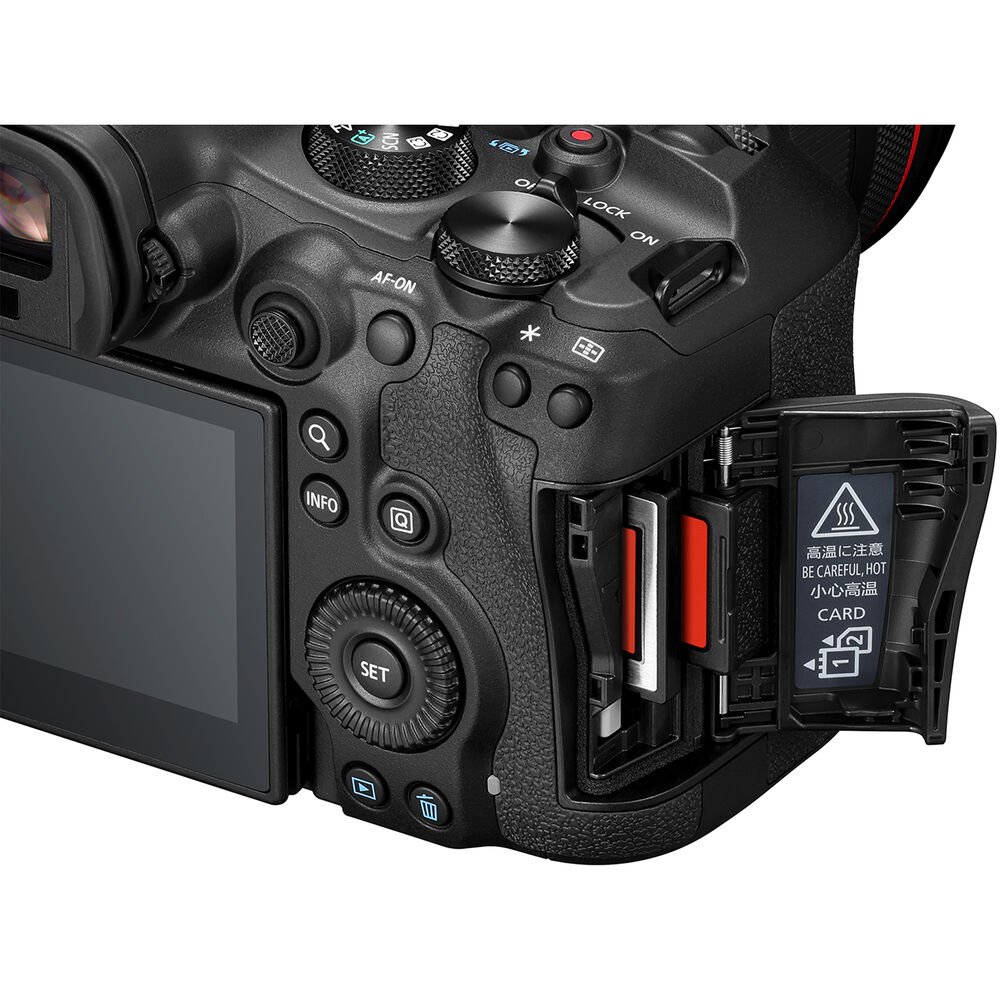
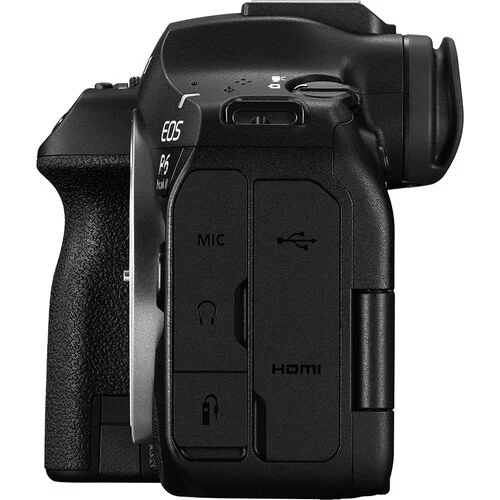
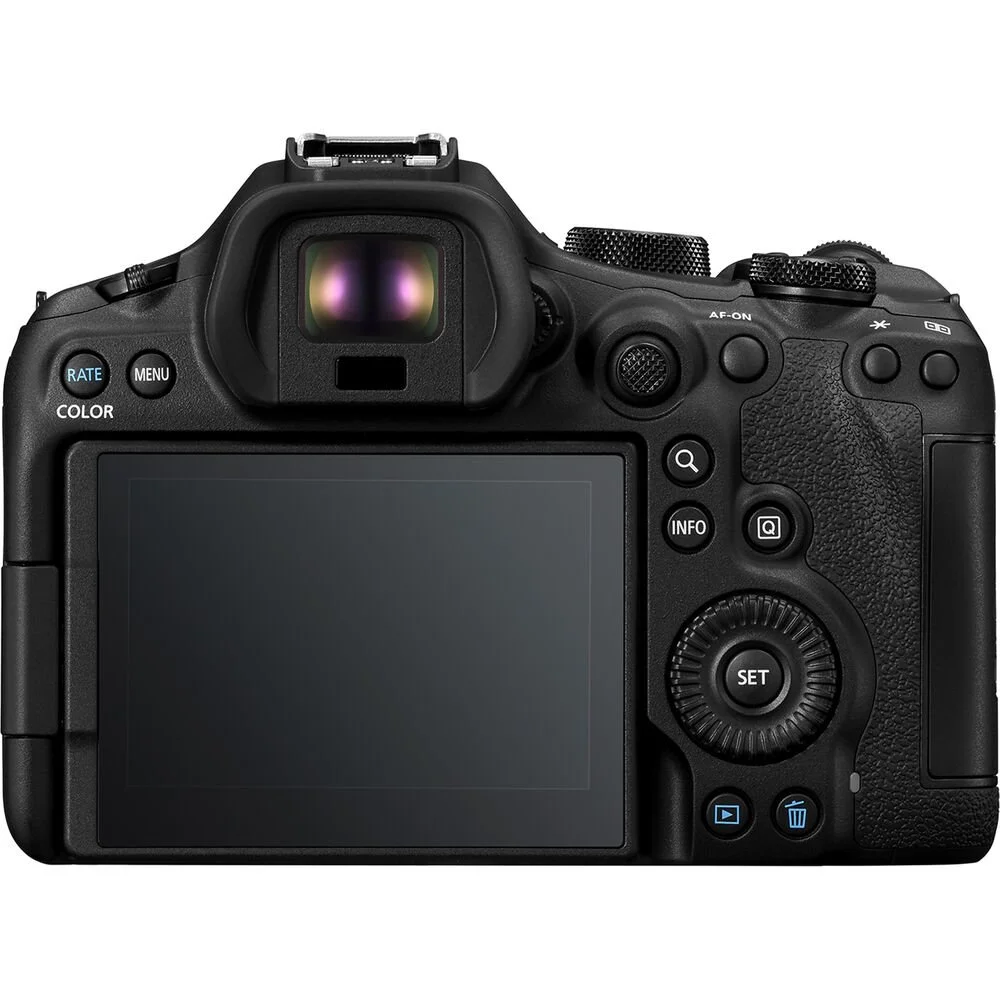
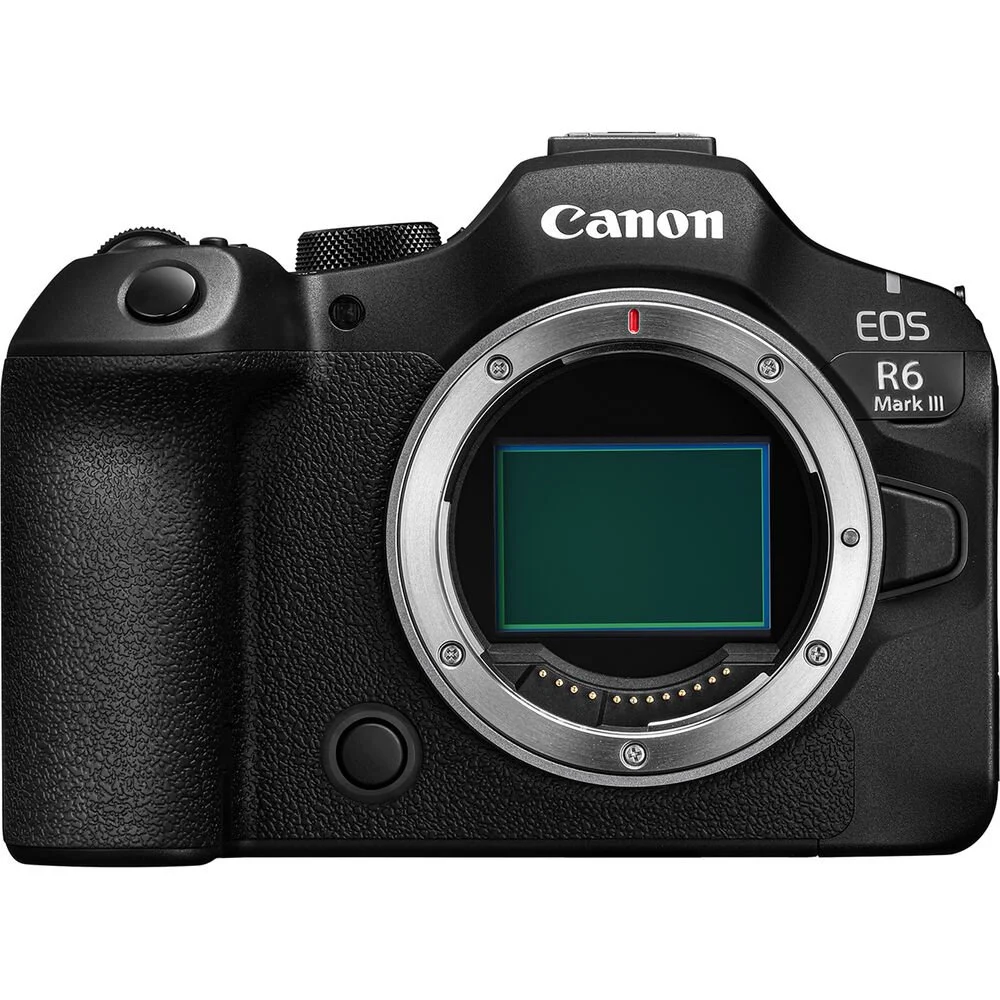
The Super Hybrid
Built to be the high-performance all-arounder for creatives who work in both photo and video, the Canon EOS R6 Mark III deftly combines an array of hybrid capabilities, upgraded imaging, and revised handling and design to suit shooters working in a wide variety of scenarios. A new 32.5MP sensor pairs with DIGIC X processing to offer 7K video recording, up to 40-fps photo shooting, improved Dual Pixel CMOS AF II with Register People Priority, more robust 8.5-stop image stabilization, and the R6 Mark III now also accepts both CFexpress Type B and SD memory cards for flexible file storage.
32.5MP Full-Frame Sensor and DIGIC X Processing
Offering a 34% increase in resolution over its predecessor, the R6 Mark III sports a 32.5MP full-frame CMOS sensor that offers greater sharpness, print resolution, and cropping ability. This sensor pairs with a DIGIC X processor to help deliver excellent image quality, low noise, and a broad sensitivity range. Additionally, the processing power manages the advanced Dual Pixel CMOS AF II system along with continuous shooting, video recording, and IBIS functions.
Borrowed from the R3, the R6 Mark III's upgraded processing suits the multimedia nature of the camera. Capable of processing high speed bursts as well as high-res 7K video, the DIGIC X supports up to 40 fps continuous shooting with a silent electronic shutter or 12 fps with a mechanical shutter, with AF and AE readings before each frame. There is also a Pre-Continuous Shooting setting that permits capturing an additional 20 frames prior to fully pressing the shutter button, to make sure you don't miss split-second movements.
SCN Shooting Modes
Intended for newcomers to photography, or those looking for a convenient alternative to post-production, a variety of SCN modes can affect how photos look directly in camera:
The R6 Mark III is the most advanced camera to feature SCN modes that adjust shooting settings using scene-specific auto exposure. The available modes include Portrait, Smooth Skin Portrait, Group Photo, Landscape, Panoramic Shot, Sports, Kids, Panning, Close-up, Food Night Portrait, Handheld Night Scene, HDR Backlight Control, and even Silent Shutter.
For video applications, Smooth Skin Movie, Close-Up Demos, Movie IS, and HDR settings can be used.
7K Video Recording
Beyond photography, the R6 Mark III is a highly capable video camera that suits creators working across mediums:
Using a similar sensor to the EOS C50 Cinema Camera, the R6 Mark III can internally record 7K video up to 60p in 12-bit Canon RAW Light Movie. If recording externally, to an optional external recorder, 7K footage up to 30p in ProRes RAW can be shot.
For especially sharp and clean footage, 4K FINE mode employs oversampling for improved image quality in DCI 4K and UHD 4K resolutions in the XF AVC S format.
Open Gate 3:2 recording is possible in 7K 30p in 10-bit MP4 or 12-bit RAW formats; Open Gate recording is especially useful for those producing social media videos as there is a greater recording area to crop from when resizing footage to vertical 9:16 format or to other unique aspect ratios, like 1:1, 4:3, or 4:5.
One of the biggest improvements over the R6 Mark II, the R6 Mark III has much-improved slow-motion/high-speed recording capabilities. It now supports both DCI 4K and UHD 4K recording at up to 119.8p for 5x slow motion playback in a 23.98p timeline. When you move down to DCI 2K and Full HD resolutions, 179.8p recording is possible. And, audio recording is supported for all resolutions and frame rate options except in S&F mode.
A new Slow and Fast Motion (S&F) mode can be accessed from the Mode dial with control over the resolution, frame rate, playback speed, and compression.
LUTs and Color Control
For more in-camera control over the look of footage, the R6 Mark III has a handful of color and style tools to affect the look of your imagery:
The Canon Log 2 profile can be used to improve dynamic range and gain 15+ stops of exposure latitude for more control while color grading.
LUTs can be used in-camera via the Apply Look function; you can register 17-grid or 33-grid .cube LUTs and register them as Custom Picture files to apply directly while recording. LUTs can also be transferred to the camera via the Canon Camera Connect app.
14 Color Filters are a convenient way to directly add color and tone adjustment directly to JPEG photos or MP4 videos.
A new Custom Picture menu provides direct access to Canon Log 2, Canon Log 3, HLG, PQ, Canon 709, BT.709, Color Filters, and other user adjustable parameters.
Additional Video Functions
Pressing the Magnify button while recording lets you enlarge the image to check focus without interrupting the clip.
Pre-Recording starts recording a clip up to 5-second prior to pressing the record button to help ensure you don't miss an unpredictable moment.
Auto Level works in conjunction with the In-Body Image Stabilizer to adjust the sensor so it's level to the scene's horizon.
Focus breathing correction can be used with compatible lenses to mitigate the effects of optical focus breathing.
No results match your search. Try removing a few filters.
